What Vim is not
I think it's important to point out that nothing I'm going to write about here is going to sell nvim as this tool that made me magically more efficient. It could have made me a faster developer, but it also could have made me slower. Nothing here 10x'd my speed as a developer and I get just as giddy when I see VS Code open in the wild as I do nvim. You can use whatever editor or methodology to create software. This is about my personal experience with nvim and what I believe my motivations to be.
Any idle glance at programming content on YouTube is often very annoyingly stuffed with videos about developers 10x, 40x, 100x'ing some thing that I assume has to do with their productivity. At best, this means they are writing 10x the code, which != more efficient. Lines of code are a liability not an asset. There is no metric I know of to measure a software developer's speed, and I think that's also true for the people creating this kind of content.
Motivation
I have wanted to try out neovim for years, solely out of curiosity, and maybe even a little insecurity. I've only ever used vim a few times when on the server, and when occasionally committing a file. I've never tried it as an editor for writing code. Vim has a reputation as a tool that makes you fast, and I'll admit that I wanted to see if there was something to the hype.
I didn't get speed, but instead I got something else. A massive change to the way I write code and edit text, that shakes up what I've been doing for the last decade of programming. I could write the same function in nvim that I wrote a year prior and it would suddenly end up being so much more fun, simply because the interface I'm using to write the code is different. It makes coding feel as novel as it did when I first began web development back in late 2013. I acquired a dopamine hit that made writing code more enjoyable.
Transition
I started the move in August last year while waiting on a flight to Philly
where I planned to work remote for that month. I wanted a break from my current
side project and decided to run nvim. I went through :Tutor from beginning to
end, then I went through it again and stopped at each chapter to try and apply
each lesson in my own code. I took to trying to add features to my side project
very slowly with the raw distribution, then began watching videos on how people
customize vim. I found
typecraft's
channel to be really helpful here, and much of my current configuration borrows
from some of the stuff he shows, namely how nvim and tmux can be configured to
work together. I still use <leader>-r to cargo run my current bevy project.
In Philly while I was getting the hang of my own configuration, I chanced upon a meetup where Graham Vasquez was giving a presentation on how to use vim. Honestly it was perfectly timed because I was just getting the hang of my own personal configuration. The presentation was great, and I highly recommend it if you're in the area and he feels like giving it again!
I know there are distros out there that give you a nice pre-configured nvim experience, but I wanted to really think about how vim and modal editing could change the way I work. I was worried that using a distribution would get me too close to VS Code with vim motions, which is already achievable in VS Code.
I still try to be somewhat minimal in my configuration. I only recently added nvim-notify to address the idiosyncratic way that vim shows error messages. I don't do anything special with my status bar yet, but I have customized the status bar with tmux so I haven't had to worry about that.
That being said, if you're reading this and considering the transition, I would recommend looking at TJ DeVries's getting started guide which walks through using kickstart to get to where I got a little bit quicker.
How it feels and why that's important
Multi-modal editing is a joy. We're used to thinking the arrow keys are the only way to get around a text document, so it's easy to think the mouse is the best option to navigate a screen. When you're in "Normal" mode in vim, you can navigate using what are called vim motions. These allow you to navigate the document efficiently without your hands leaving the keyboard. Many have struggled to capture how this works, and the only way to really "get it" is to try it.
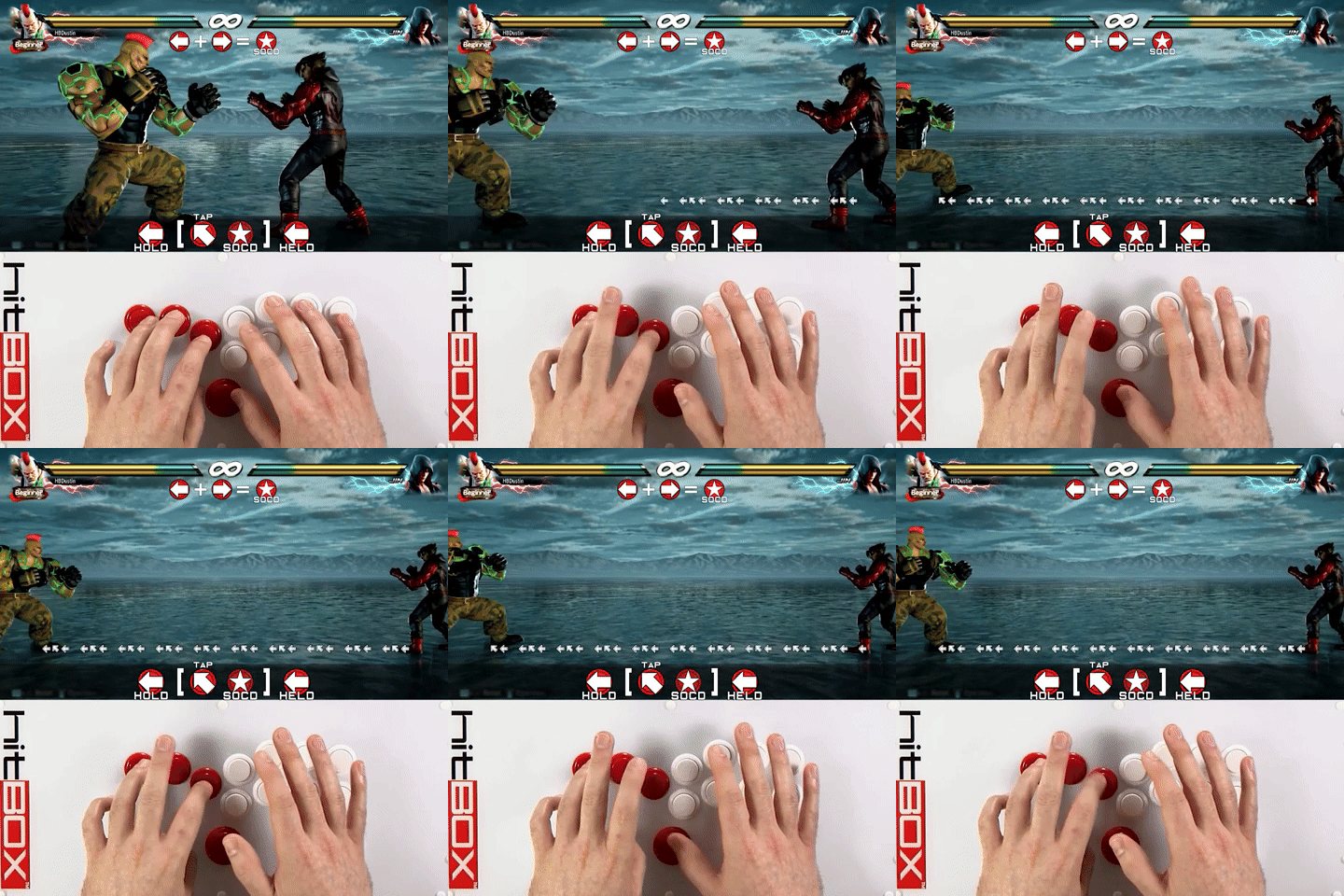
For me personally, as someone who has invested over 10 years of playing fighting games, it makes the editor feel like training mode in a game like Street Fighter 6 or Tekken 7. It's comforting to me to bring something in my professional life to a personal place of familiarity.
Example of motions I use commonly: 2f" to jump the end of an html attribute,
from here I can hit hci" to replace the value of that attribute with whatever
I want to type. If I have multiple attributes on the same line, I'll usually
hit 2f" again and again until I get to the attribute. I can hit these characters
fast, it's almost second nature to me at this point. It feels like in Tekken
when doing a korean backdash to create space between me and my opponent.

dap, and more importantly, dat are great for cleaning up code by selecting
continuous blocks of text. If you have a big commented out method you were
trying to replace, dap will delete around the "paragraph". Paragraph in this
case meaning several lines of text uninterrupted. dat will delete around an
html/xml tag which includes the tag and its contents. cit will replace the
content of an html tag.
Much like in fighting games which sometimes require practice to literally move
around, I still struggle with navigating vertically in vim. I periodically look
for better strategies than my own, which relies heavily on C-u/d to scroll up
and down 50% of the file I'm viewing.
The movement in vim feels like a game now, and the dopamine hit from that is real.
A new git experience
Before nvim I used a combination of VS Code and Rider. I was an early adopter of VS Code. I enjoyed Sublime text, but the draw for me to use VS Code was the integrated git experience. At the time, being someone who went between Visual Studio and Sublime text, I wasn't a fan of managing git in the editor, often opting to use the command line. I never liked the experience that Visual Studio tried to offer. VS Code changed my mind, and became not only an editor, but my new interface into git.
One struggle I had with nvim was giving up this experience. It took me a few tries to find something that actually worked for me. I tried to get by with just git signs and git fugitive, which appears to be the most popular approach to git in nvim. These just weren't landing for me, and I can't say why exactly. There was another plugin out there called vgit, that worked okay, but had bugs and felt like a step back from VS Code. I tried lazygit, which was an impressive tool, but I struggled with the out of editor git experience. It's nice seeing a diff of something you forgot about or didn't expect, and being able to navigate directly to it in your code editor.
Enter Neogit. Neogit has become my go to tool for interacting with git. By default, it operates very similar to how VS Code does in showing you quickly what files have changed and what's staged. It's easy to open up a diff and navigate to the exact line, hit enter then be right in the file where you can make edits.
However, the killer Neogit feature for me is the documentation. It decrypts and
teaches you the git command line almost automatically. Every time I hit c to
commit, it presents me with a helpful list of options and keyboard shortcuts to
activate them. It shows a list of keyboard shortcuts, as well as the command
line equivalent of each shortcut. However, because it's navigated with the
keyboard, it's not annoying. If I just want to commit, I can quickly hit cc
without having to read the dialog. If I want to amend my last commit, then I
can hit ca.
Because Neogit makes it easier to see what's possible, it has made rebasing and
cleaning previous commits so simple that I do it much more often. I've tried
experimenting with different git flows last year, including stacked diffs. Now
if I'm working off a branch off of main, I'm far more comfortable going back
to a previous commit and adding to it if I realize there was something I missed
that I came to depend on in a later commit in that branch. As a result, my PRs
are much easier to follow.
Helix is another modal editor out there that is designed to introduce common text objects out of the box that are more aligned with code syntax. So it's easier to use vim motions to navigate a function signature out of the box. I want to try it but I actually like Neogit so much that it's hard to imagine the transition.
Wrapping up
This turned out longer than I had planned, and there is probably way more that I can write. I'm not sure how to wrap this up. Learning vim has been fun, but it's also been useful even if it hasn't made me 10x faster at editing code. Creating my own nvim config from scratch has been a project of its own, which serves as a kind of practice of its own in making software. I'm in what may be a neverending process of building my own editor and finding what I like. I think the real value here is having another place to practice my craft.